
The client says “I sent the money” — and you spend an hour looking for the transfer in your bank statement
Checking payments by hand takes time and pulls you away from work.
Solution: automatic payment confirmation
Send clients a payment link — they can pay online in a few clicks. Funds are credited automatically, and you get payment confirmation.
14 days free • No card required
Передоплата отримана
+900 ₴
зараховано автоматично
Оплачено онлайн
записів цього тижня
Most pros spend time and nerves on what Soloist handles automatically — while your business runs more efficiently.
Checking payments by hand takes time and pulls you away from work.
Solution: automatic payment confirmation
Clients put off booking or forget about it.
Solution: online payment in 1 click
You lose profit to an inefficient schedule and no-shows.
Solution: paid bookings are confirmed automatically
It's hard to keep finances under control and plan for growth.
Solution: all payments in one place and reports in real time
Online payments, booking confirmations and financial analytics — so you can spend more time with clients and less on busywork.
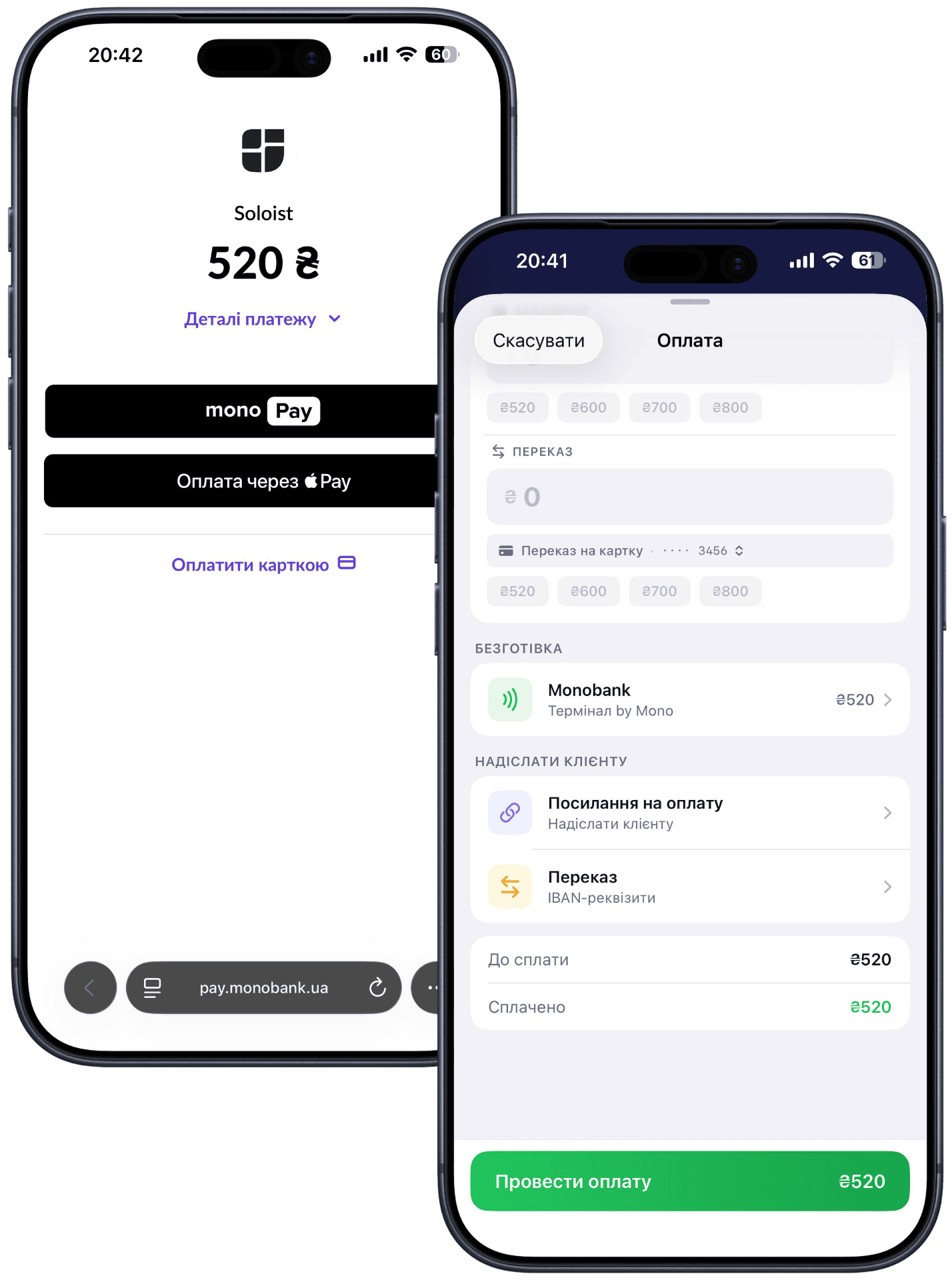
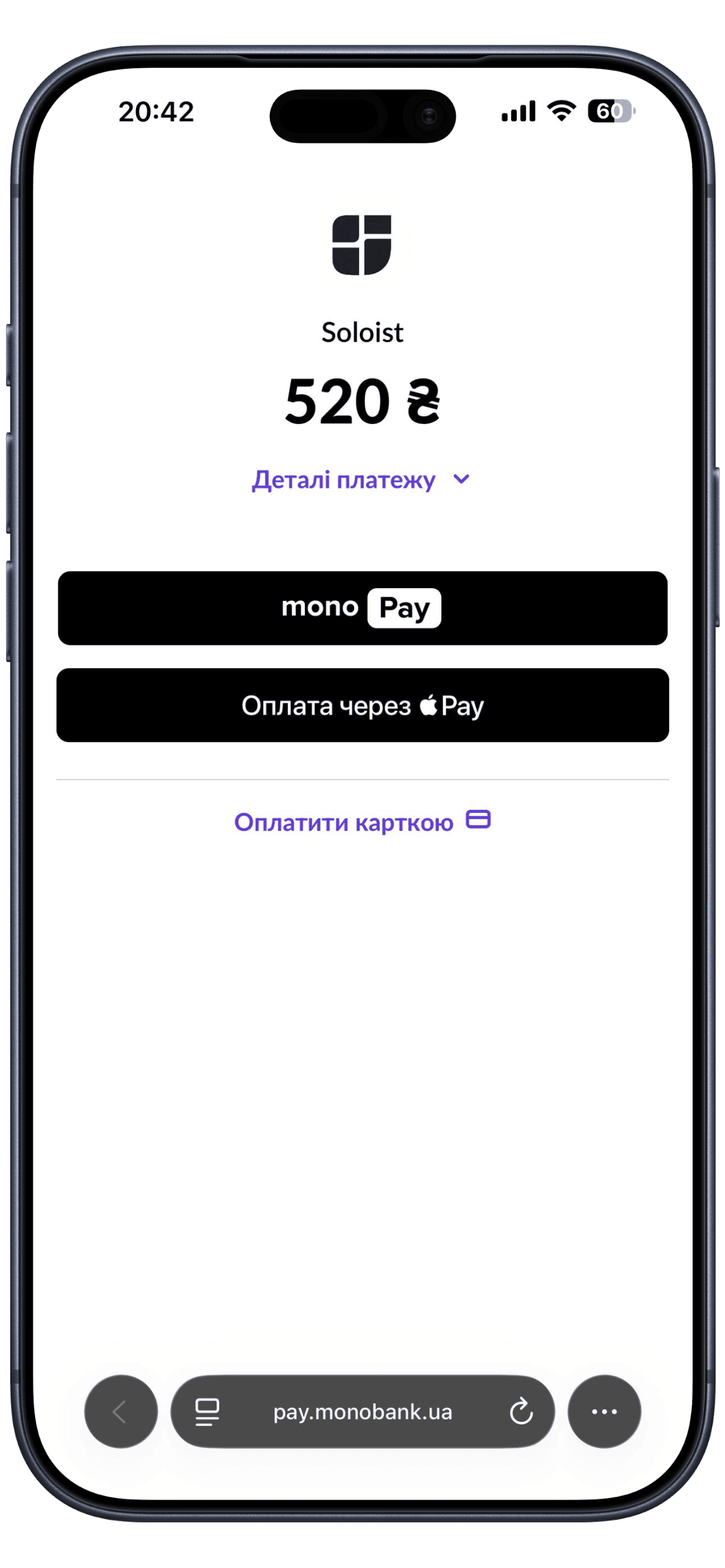
Right from the booking card you generate a payment link with a limited validity period — and send it to the client directly in Telegram, WhatsApp, Viber, Instagram, Facebook or SMS. You see how much time is left to pay, and the booking status changes automatically as soon as the money arrives.
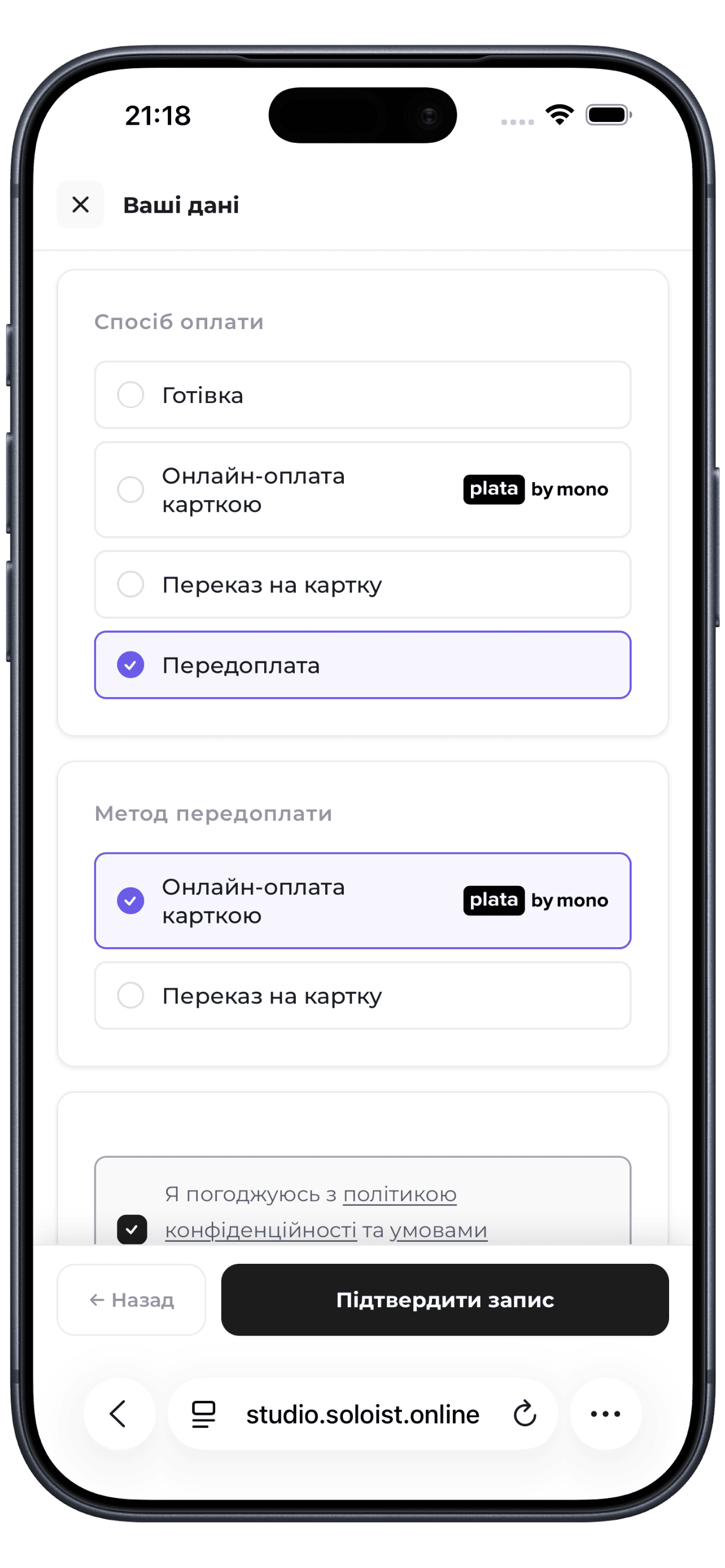
On the online booking page you can require a prepayment — a fixed amount or a percentage of the service price. Not paid within the set window — the booking is canceled automatically, and the time is freed for others.
Clients who paid in advance show up.
Not paid on time — the booking is canceled automatically.
Freed-up time is immediately available for other clients.
You record the payment by hand.
IBAN or card with an automatically filled payment reference — client name, service, amount.
Through connected acquiring.
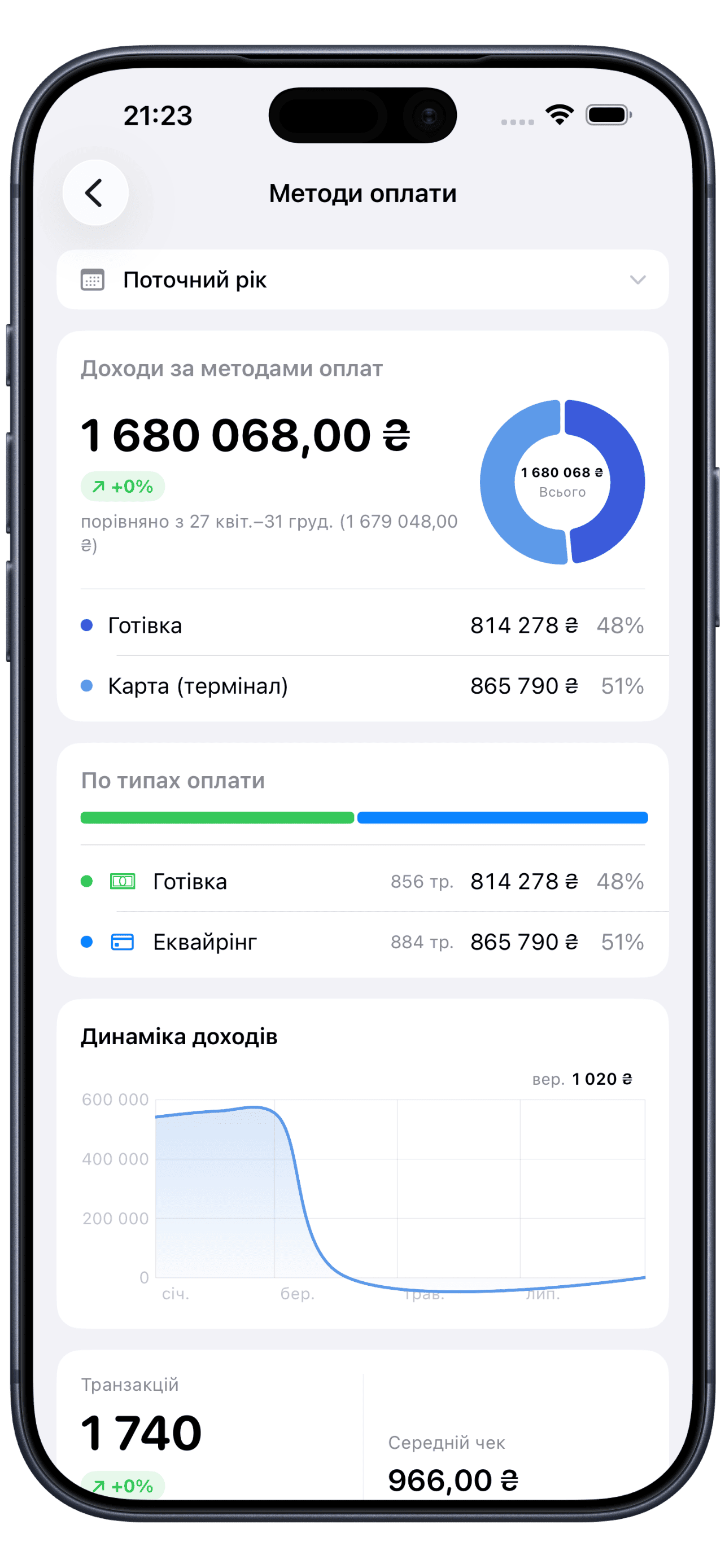
It all flows into one report, with no need to total it by hand.
Connect online payments or a mobile terminal via Monobank Acquiring — payments go straight to your account, and the product only creates the link and records the status.
Funds are credited straight to your Monobank account.
Soloist creates the payment link and tracks the payment status.
We don't store clients' payment data and have no access to your funds.

Soloist offers more tools for your business and helps you manage it efficiently every day.
Start for free, upgrade when you're ready.
Free for 7 days. No credit card required.
SMS are billed separately — $0.01 per message of up to 70 characters.
Free for 7 days. No credit card required.
SMS are billed separately — $0.01 per message of up to 70 characters.
Free for 7 days. No credit card required.
Included in plan: 1 · +$5.83 per location
SMS are billed separately — $0.01 per message of up to 70 characters.
You generate a payment link right from the booking card and send it to the client via Telegram, WhatsApp, Viber, Instagram or SMS. The client follows the link and pays by card, Apple Pay or Google Pay in a few seconds — the booking status updates automatically as soon as the money arrives.
Yes. On the online booking page you can turn on a mandatory prepayment — a fixed amount or a percentage of the service price. If the client doesn't pay within the set window, the booking is canceled automatically, and the time is freed for others.
Payments go straight to your account via Monobank Acquiring. Soloist only creates the link and records the payment status — we don't store clients' card data and have no access to your funds.
Cash with manual recording, transfer to bank details (IBAN or card) with an automatically filled payment reference, and online payment or a mobile terminal through connected acquiring. All payments flow into one report.
Yes. After the visit is complete and paid, an e-receipt is generated with an itemized list of services, staff member, discounts and the amount — the client opens it via a link with no sign-up. All payments are automatically included in your reports and analytics, with export to Excel or PDF.